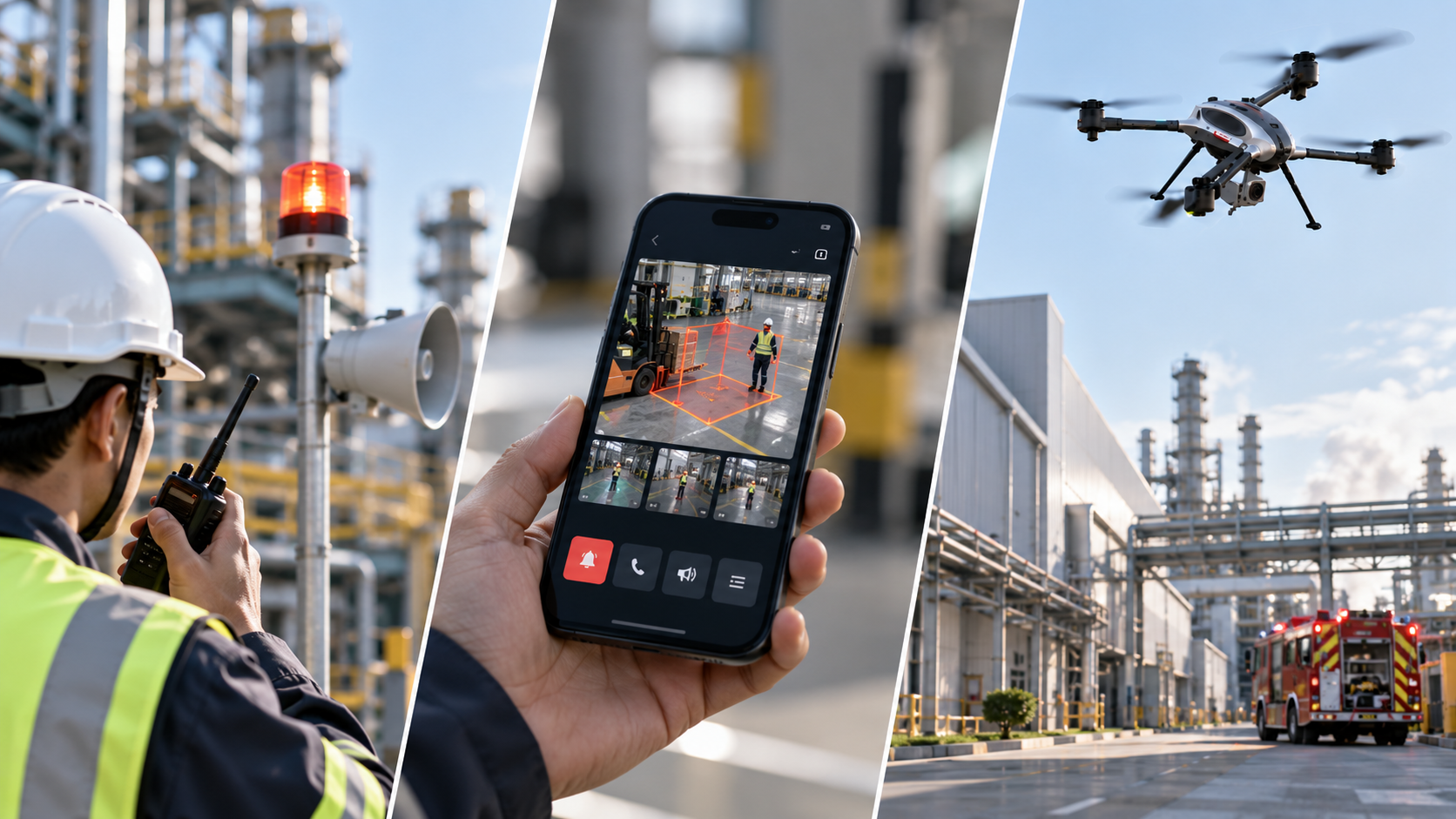
Many safety systems are “powerful but painful to use” – and end up not being used in real operations.
So Canal One started from the simplest but most challenging question:
How do we make sure everyone can use the system from the very first minute?
From executives who need a fast, high-level view, to field teams who need a system they can “press and act immediately” – this is why we insist on Human-Centric Design on the ASAP Platform:
Easy to see. Easy to use. Fast to decide. Able to act automatically when it matters.
Classic Problems with Legacy Systems
- Complex menus – too many layers to click through before you can actually do anything
- Alerts scattered across multiple apps and channels – no single picture of what’s happening
- You must sit in the control room to see incidents (step outside and you’re basically “blind”)
- After an alert, people still have to call each other to figure out who does what next
- Compliance/audit documentation is all manual work and very time-consuming
Canal One’s Design Philosophy: Truly Usable in Real Operations
1) One screen for the full picture (Unified Security System)
Bring CCTV, IoT, radios, PA/sirens, digital signage, BMS/HVAC, drones and bodycams into one place – reducing screen switching and minimizing missed information.
2) Clear actions, simple steps
An action-first design: alerts arrive with action buttons attached
(e.g. block off an area, make an announcement, place a call, adjust HVAC) – no need to dig through menus.
3) Serious “on-the-go” capability (mobile/tablet/existing screens)
- Executives get live KPIs and situational awareness instantly.
- Frontline teams receive commands on mobile, LINE OA, radio, PA, strobe lights, or via API – no need to run back to the control room.
4) Edge-first to reduce delay and dependence on the network
Edge AI analyzes and triggers at the site, sending only essential data to the cloud.
That means faster response, lower cost, and higher resilience.
5) From “alerting” to “acting for you” with SOP Automation
Link events → automatic SOPs, for example:
- Turn on sirens
- Close or lock down zones
- Call support teams
- Adjust building systems
And then upgrade to ASAP+ to automatically command drones and field devices.
6) Language and explanations humans actually understand
- Clear Thai micro-content
- Standard, intuitive icons
- Text adapted to user roles (supervisors / operators / executives)
All to minimize misinterpretation and confusion.
7) Compliance that doesn’t feel like a burden
- Define your own Compliance Rules (PPE, restricted zones, working hours, etc.)
- Automatic Audit Trails & Reports for ISO, GDPR, OSHA, NIST, SOC 2, ISO 45001.
8) Accessible and sustainable (Accessibility & Green Tech)
- High-contrast, easy-to-read UI
- Lower energy and bandwidth usage, following our Green Tech principles
Simple Features Everyone Loves
- PPE / Behavior / Intrusion / Smoke & Fire / Fall & Accident
→ Alerts with instant shortcut action buttons - Environmental (PM2.5 / Water Level / Temperature & Gas)
→ Automatic recommendations on “what to do next” - Role-based Routing & Escalation
→ Send alerts to the right people; if they don’t acknowledge, the system escalates automatically - Template Library
→ Popular SOP templates ready to use and adapt, reducing workload for new teams - Analytics & ROI Dashboard
→ See the impact in numbers: fewer incidents, shorter response times, lower network/cloud costs
Checklist Before You Choose a Platform
- One unified view covering plant–environment–people
- Alerts delivered instantly to mobile / radio / PA / digital signage
- Automatic and adaptive SOPs (Adaptive SOP)
- Edge AI to cut delay, bandwidth, and cost
- Automatic Compliance & Audit Trail
- Can reuse existing equipment (Smart Integration / API / Universal Connector)
- Thai-language UI that is easy to use, with minimal training
How to Start Fast and Cost-Effectively (30–60–90 Day Roadmap)
Days 1–30
- Identify critical events (PPE, smoke/fire, falls, intrusion, PM2.5, water)
- Connect existing devices into ASAP
Days 31–60
- Configure Rules + SOP Automation
- Enable On-the-Go usage for relevant teams
Days 61–90
- Enable ASAP+ for high-severity incidents
- Tune thresholds to reduce false alarms
- Set up automatic Compliance Reports
An easy-to-use system should make clear what happened and which next step belongs to the recipient. This is a practical context for an Integrated Operation Center: an intelligent, integrated situation-management center designed to connect information and coordinate the people responsible.
FAQ
What if people aren’t tech-savvy – can they still use it?
Yes. We design everything action-first, with clear buttons and minimal clicks. There are step-by-step SOPs and ready-to-use templates.
Do we need to replace all our existing equipment?
Not necessary. ASAP’s Smart Integration connects across brands and protocols via API/Universal Connector – so you can get the most from what you already have.
What happens if the internet goes down?
With Edge-first processing and triggering on site, the system can still alert via radio, PA, sirens, and field devices, even without internet.
Which compliance standards does it support?
We support global frameworks such as ISO 27001, GDPR, OSHA, NIST, SOC 2, ISO 45001, with built-in audit trails and reporting.
Technology only truly “helps people” when it can be used in real life.
The ASAP Platform helps executives see the big picture faster,
and lets frontline staff “press once and trigger real action” in a second.
See first. Warn first. Act first.
Without ripping out existing systems – and with measurable results.